Smart Area Match
Built for mobile mechanics: steer new bookings toward the days you'll already be nearby, so your jobs cluster and you drive less.
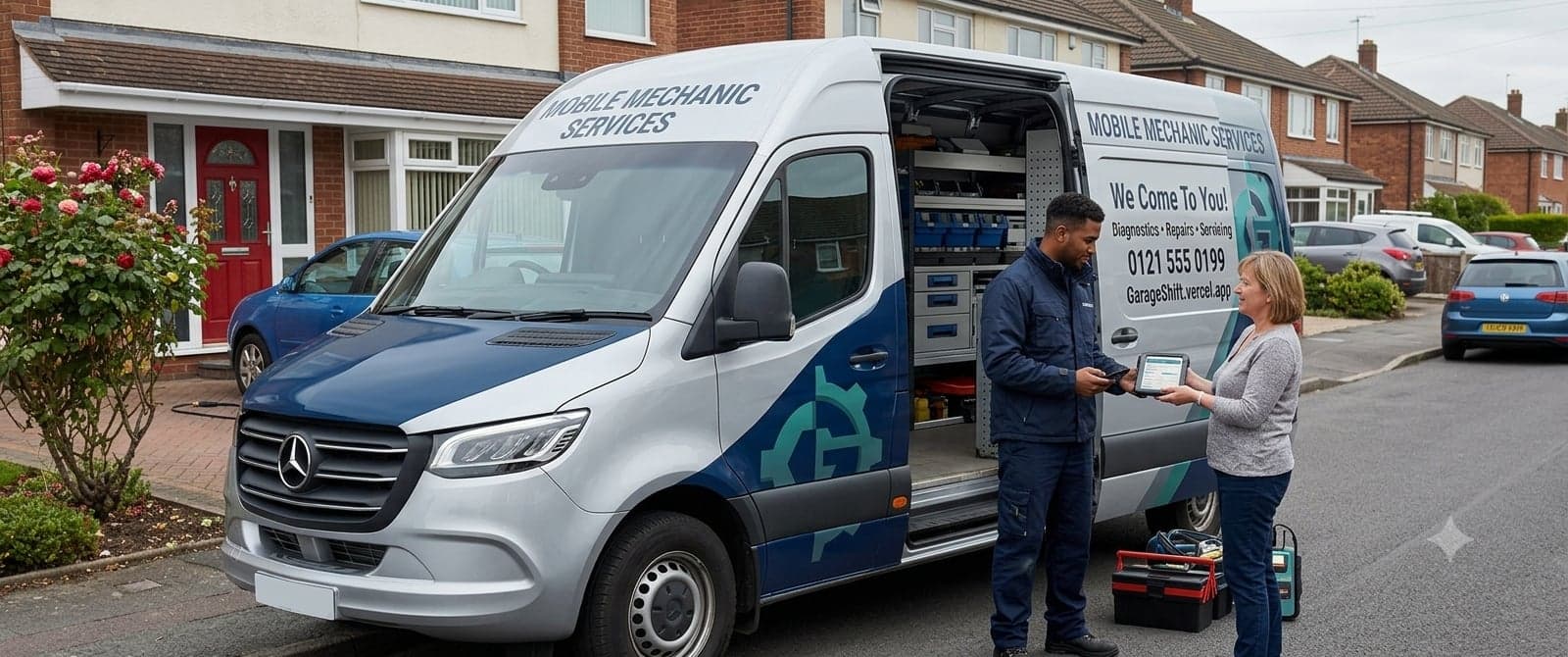
"We'll Already Be in Your Area"
When a customer books online and you have a confirmed job near their vehicle location on an upcoming day, a friendly prompt appears as they choose a time: "Good news, we'll already be in your area on Thursday." One tap on Book this slot and they're in, on the day that's easiest for you to reach. Prefer to leave it to them? See other times drops straight into the normal picker, because the nudge is a suggestion, never a wall.
- Appears on the date and time step, only when there's a real match
- One-tap accept, or fall through to the standard picker
- Works in both simple and flexible booking modes
- The recommended day is highlighted and tagged "Nearby"
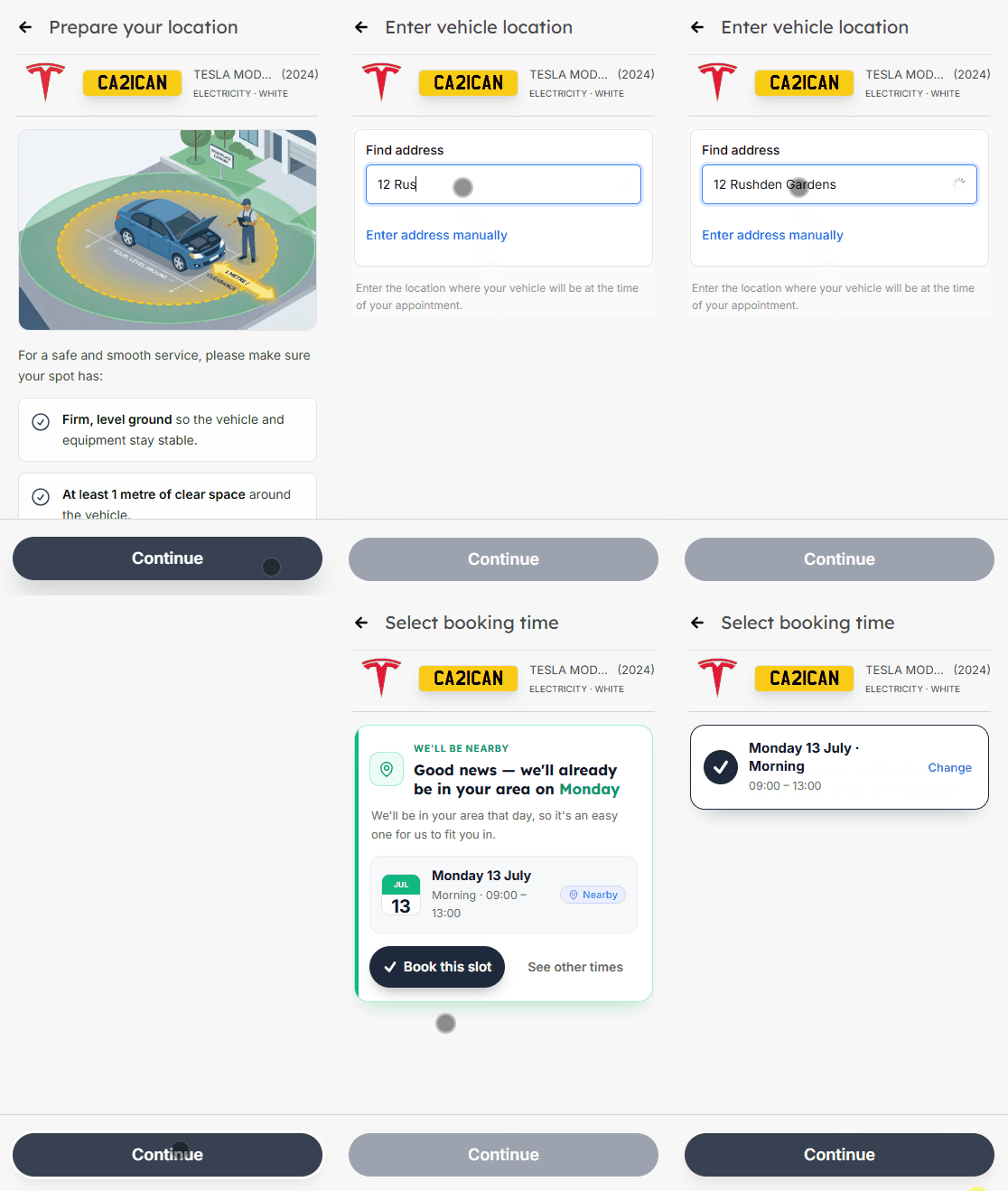
Set Your Radius Once
Setup is a single control. In your booking settings, choose your Smart Area Match radius in miles, the distance that counts as "nearby". There's no list to maintain and nothing to switch on job by job: once your radius is set, Smart Area Match runs quietly in the background on every online booking that comes in.
- One setting: your 'nearby' radius in miles
- No per-job toggles and no lists to keep up to date
- Runs automatically on every online booking
- Always on for mobile mechanic accounts
The Day You'll Be Closest, With Everyone's Privacy Protected
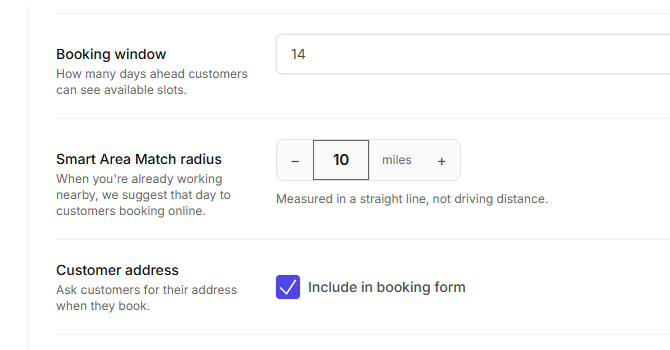
Smart Area Match points to the day you'll be closest to the customer, not simply the next free date, because that is the strongest "we'll be right by you" signal. After a booking lands, a small note on the request tells you the customer took a suggested slot, so you can watch your routes tighten. And it never trades one customer's privacy for another: the booking page only ever shows a day and time from that customer's own availability.
- Suggests the day you'll be geographically closest, not just the soonest
- A quiet note on each booking shows when a suggested slot was taken
- Customers never see another customer's name, address, or location
- "Nearby" is straight-line distance, and the final call on grouping is yours
Smart Area Match, answered.
More in the full FAQs, or read the guide to garage management software.
- Who is Smart Area Match for?
- Mobile mechanics. It is switched on by default for mobile accounts, because the driving it removes between jobs is a cost that only exists if you travel to the work.
- Does the customer see other customers' addresses?
- No. Nobody's address, name or distance is ever shown. The customer sees a suggestion that you will already be working in their area on a particular day, and nothing else.
- What if the customer wants a different day anyway?
- They pick one. It is a nudge, not a restriction, and the standard time picker is always there underneath, so a customer who needs Tuesday gets Tuesday.
- How much setting up does it need?
- One number: how many miles counts as nearby for you. After that it runs on every online booking without any per-job configuration or lists to maintain.
See it running before you decide.
A working demo garage with realistic data. No account, no card, no call.
£1 first month, then £50/month or £500/year.