Calendar & Scheduling
Manage bookings, jobs, and capacity from a single visual calendar.

Visual Week & Day Calendar
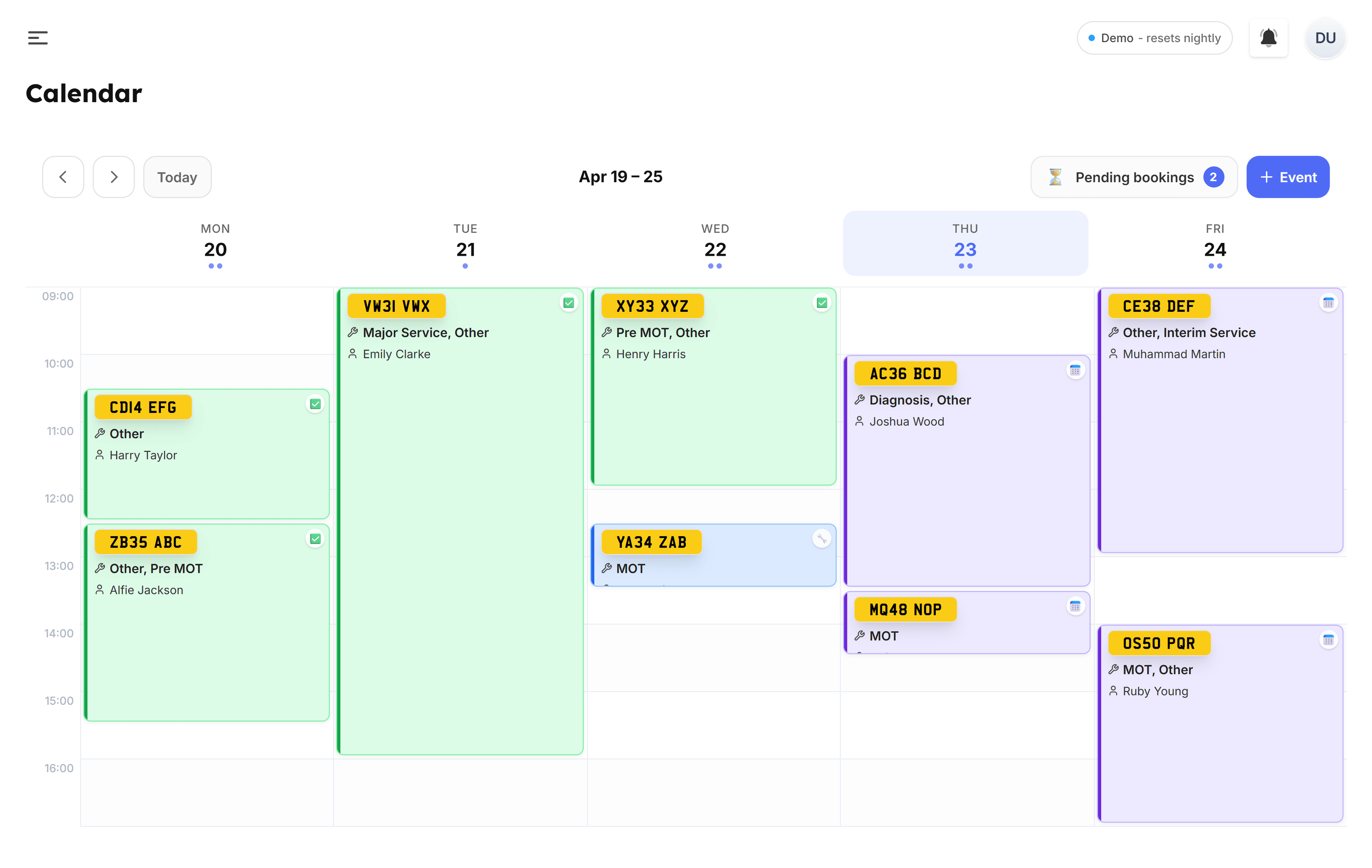
Switch between week and day views to see exactly what's happening in your garage. Jobs are colour-coded as pending, in progress, or completed, so you can spot gaps and bottlenecks at a glance. Your work hours are overlaid on the calendar so you always know your available capacity.
- Week and day views with colour-coded job status
- Work hours overlay shows available capacity
- Click any job to view full details or update status
- See customer name, vehicle, and service at a glance
- Quick navigation between dates with a date picker
Smart Scheduling & Capacity
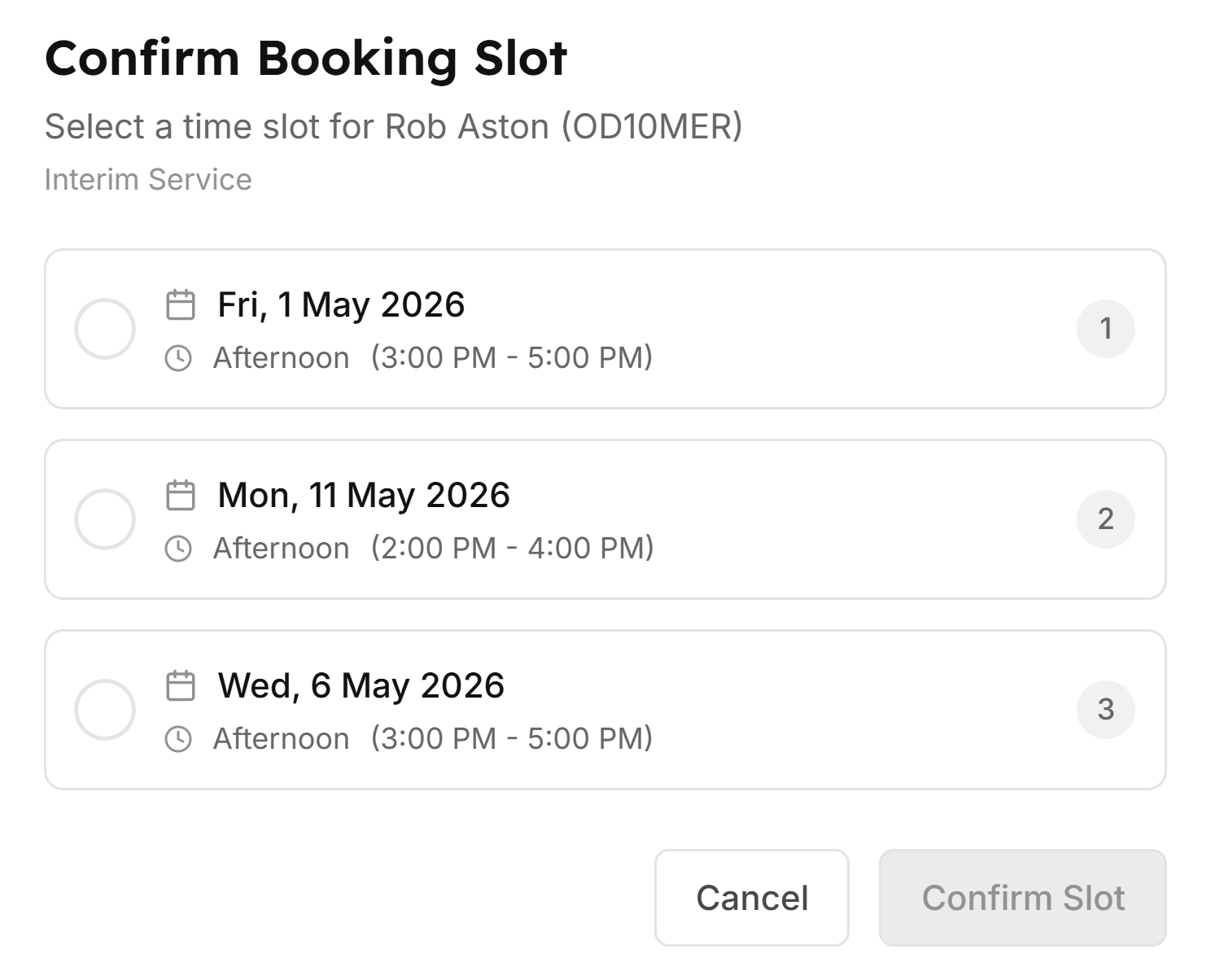
When bookings come in, they appear in the unscheduled panel ready for you to assign. Set your maximum parallel jobs so the system never overbooks you, and configure your working hours. The calendar respects it all automatically.
- Unscheduled bookings panel for pending approvals
- Set maximum parallel jobs to prevent overbooking
- Working hours per day, with closed days excluded automatically
Mobile Calendar
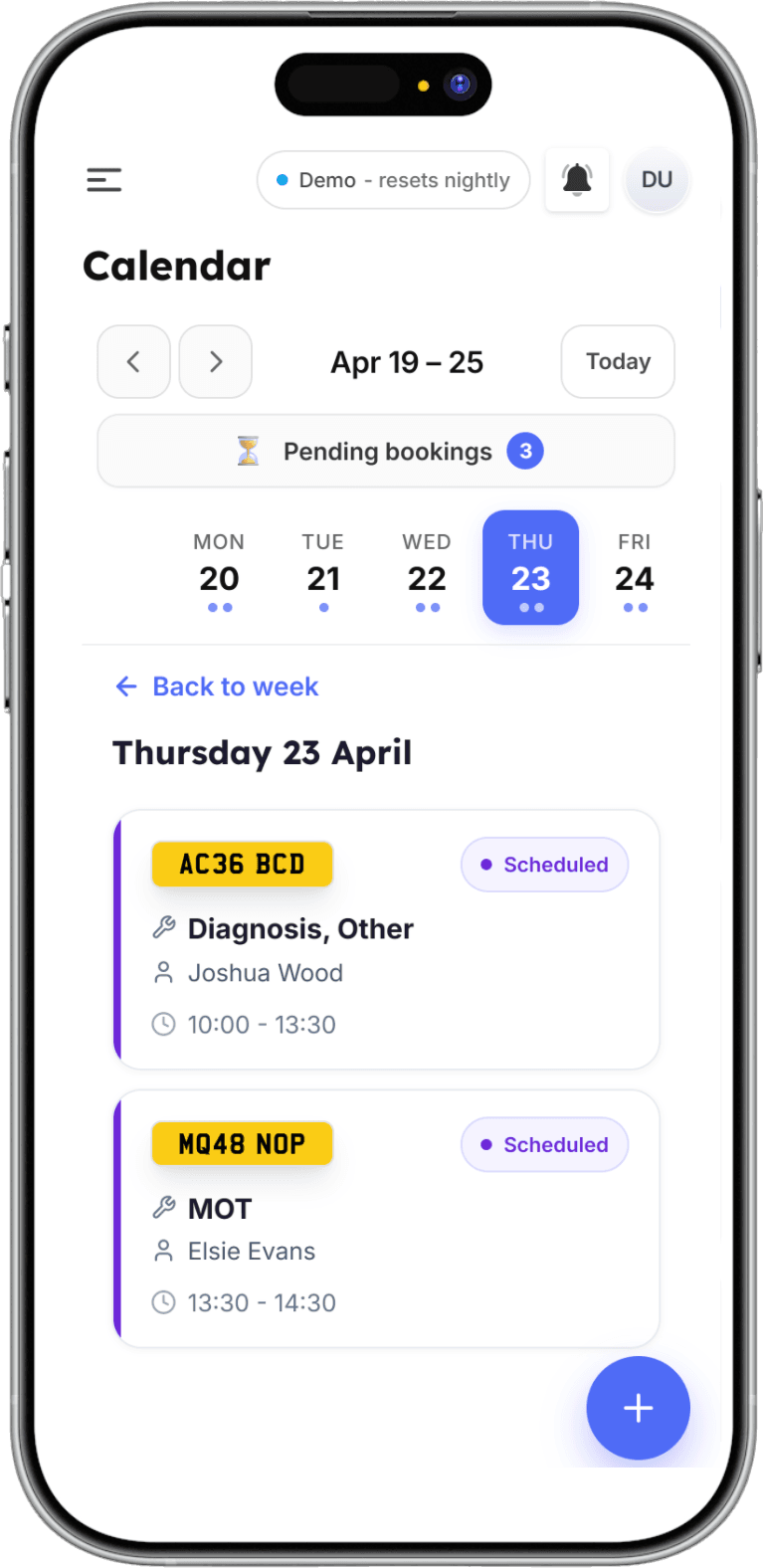
On mobile, the calendar switches to a streamlined day view with a swipeable event drawer. Tap any job to see full details, update status, or jump to the jobsheet, which is perfect for checking your schedule from the workshop floor or on the road.
- Mobile-optimised day view for on-the-go access
- Swipeable event drawer shows job details
- Tap to update job status or view the full jobsheet
- Works in any mobile browser, with no app needed
Watch how it works.
All tutorials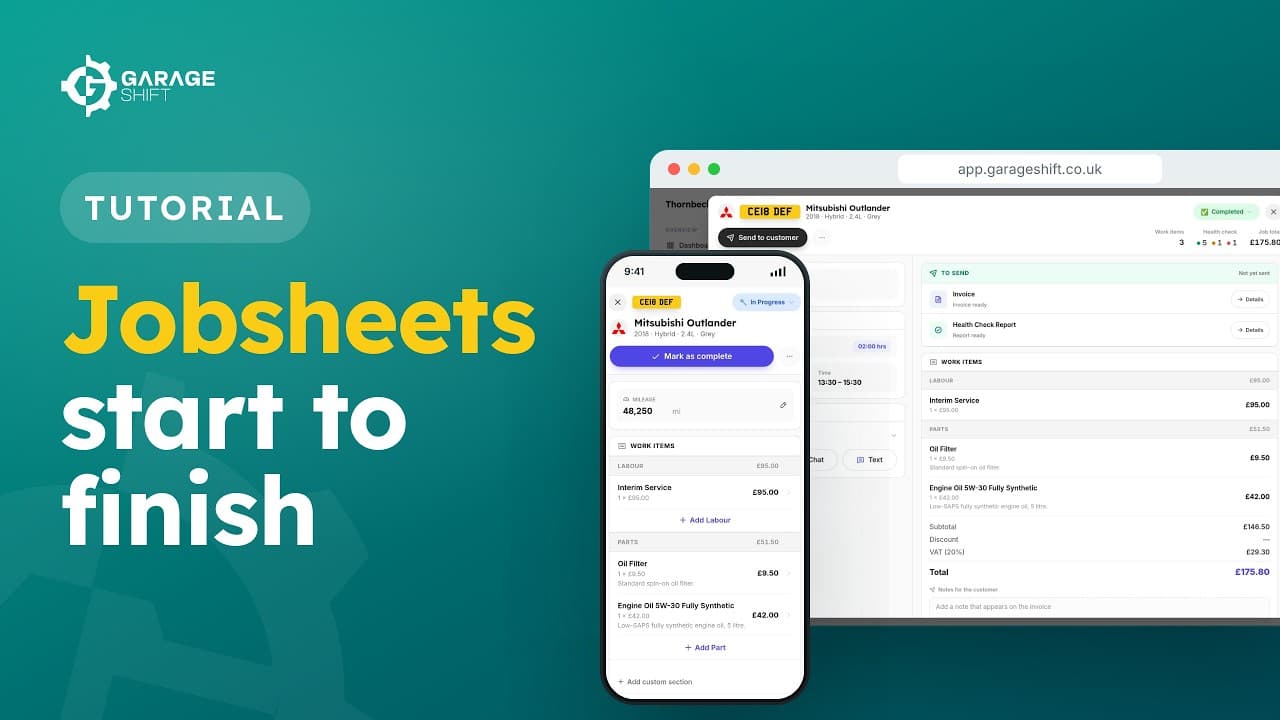 2:00
2:00Jobsheets: From Booking to Completed
Create a jobsheet from an online booking or by hand, and see what you can do at each status.
Watch the video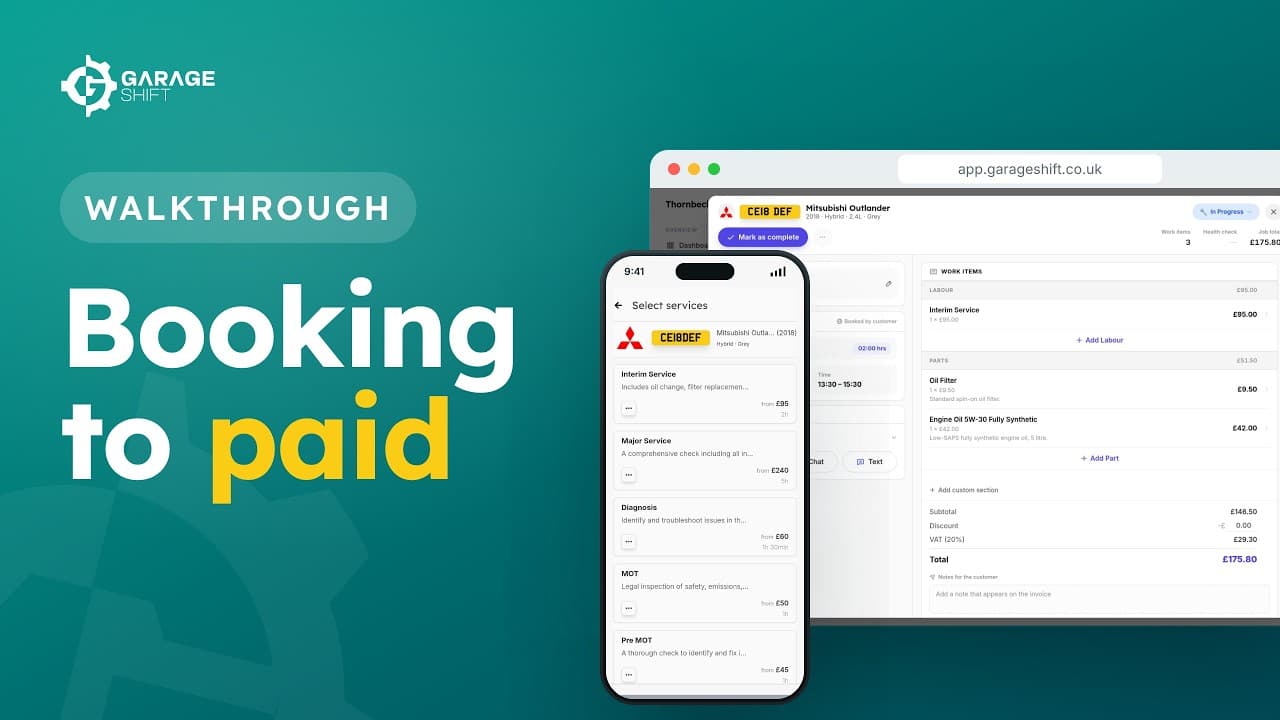 2:05
2:05Booking to Paid: A Full Job Walkthrough
Follow one car from an online booking to a paid invoice, and back again for its next MOT.
Watch the video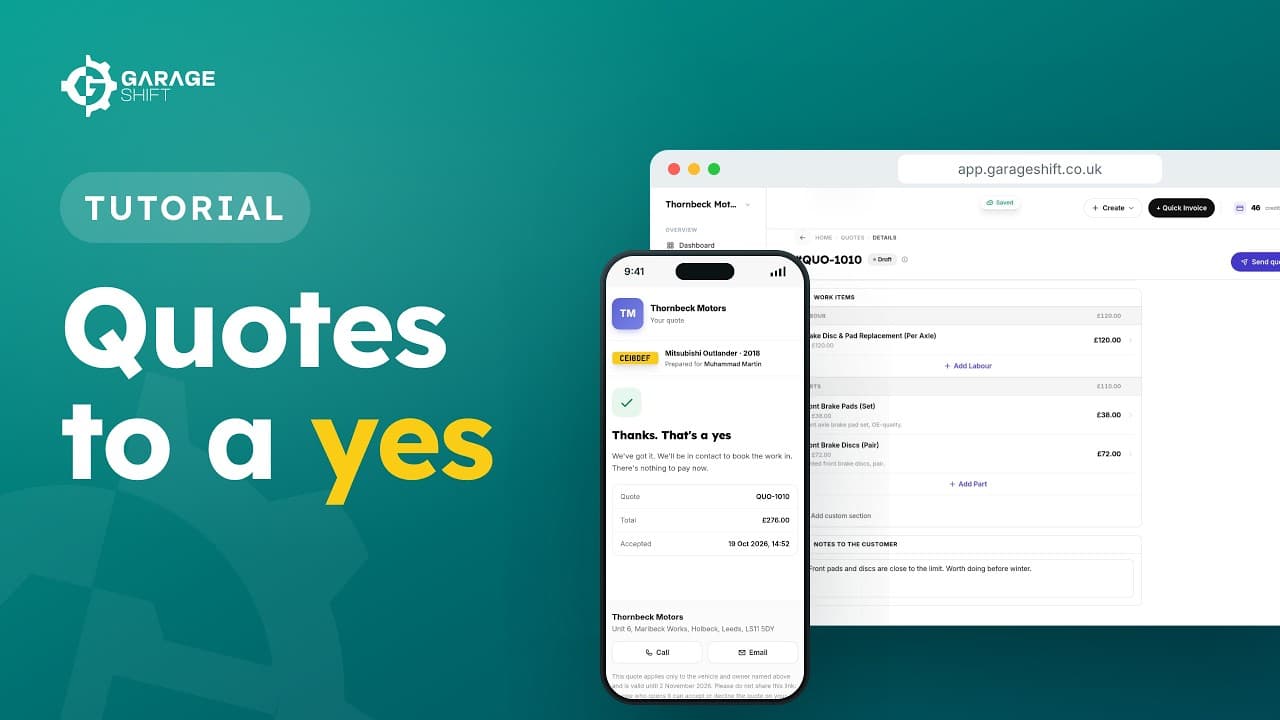 2:15
2:15Customer Quotes: From Draft to Booked In
Price the work, send the quote, and book it in once your customer says yes.
Watch the video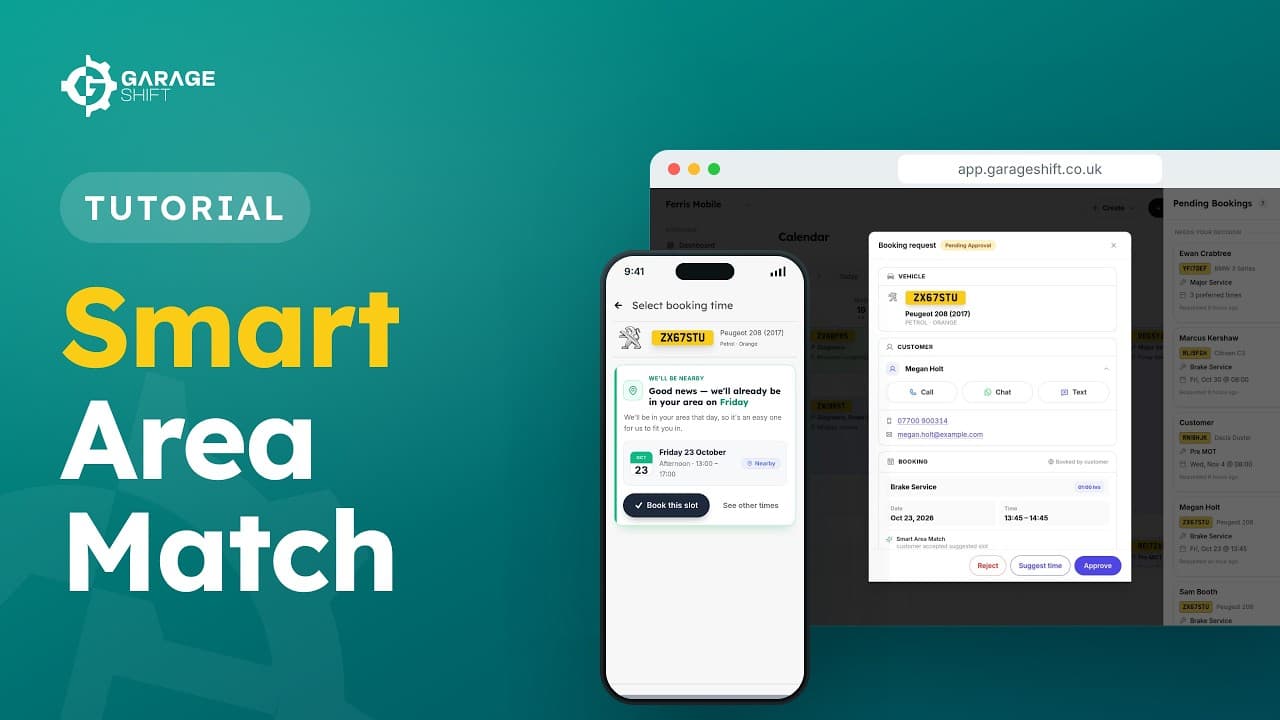 1:44
1:44Smart Area Match: Booking Nearby Days
Set your radius, and let your booking page offer customers the days you're already nearby.
Watch the video
See it running before you decide.
A working demo garage with realistic data. No account, no card, no call.
£1 first month, then £50/month or £500/year.