Vehicle Health Checks
Build the health checks your garage actually does, give each service the right one, and complete it on the workshop floor. Then send it to the customer as a branded PDF alongside the invoice.

Build a Health Check for Every Job
Start from the Standard check or a blank page and make it your own. Name each section, add the checks you actually do, and add measurements in millimetres or percent with your own amber and red limits. Make a pre-MOT check, an EV check or a quick one for mobile work, as many as you need. Everything saves as you go.
- Sections and checks named the way your workshop works
- Checks marked OK, Advisory or Flag
- Measurements in mm or %, with your own amber and red limits
- Start blank, or copy a template you already have
- The Standard check is ready to use from day one
Health ChecksPre-MOT check
SavedChecklist
0 items in 1 section
No items yet. Hidden on checks until it has one.
Add itemThe Right Check, Picked for You
Give each service its own health check in Services & Bookings. When a job for that service starts, the jobsheet picks its check for you. Every other service uses your default template, including services you add later. Need a different check for this car? Change it before the check begins.
- One health check per service
- Picked automatically when the job starts
- A default template for every other service, including new ones
- Change the check on the jobsheet before you start
Services & BookingsPre MOT
SavedThe health check selected when a job for this service starts. This can be changed before the check begins.
Mobile-First Capture on the Workshop Floor
Open the check from the jobsheet and work through it section by section on a phone, tablet or desktop. Mark each item OK, Advisory or Flag, add a note or photos where needed, and record tyre tread or brake pads on a slider that turns amber or red at your limits. Everything autosaves as you go, so nothing is lost if you switch tasks.
- Section navigation with a progress tally so you can see what's left
- Status per item: OK, Advisory, or Flag
- Add notes and photos straight from your phone
- Measurements on a slider, colour-coded against your limits
- Autosave on every change, with no Save button needed
- Works in any mobile browser, no app install required
Branded PDF Report, Sent with the Invoice
When the job is complete, Garage Shift generates a customer-facing PDF report summarising the check: the OK, Advisory and Needs Attention counts, then each section of your template with the items checked, their notes and photos, and every measurement in its own colour. From the completed jobsheet, one click sends the invoice and the health report together to the customer.
- Professional, branded PDF generated automatically
- Your own sections and items, exactly as you built them
- Photo evidence embedded directly into the report
- Send the invoice and health report together from the jobsheet
- Every send is logged with timestamp and recipient for your records
- Build trust and surface advisory work that can drive repeat visits
Vehicle Health Check Report
Service inspection summary
Vehicle
Prepared for
Sam Taylor
9
OK
2
Advisory
1
Needs Attention
12
Items Checked
Lights
Tyres
Watch how it works.
All tutorials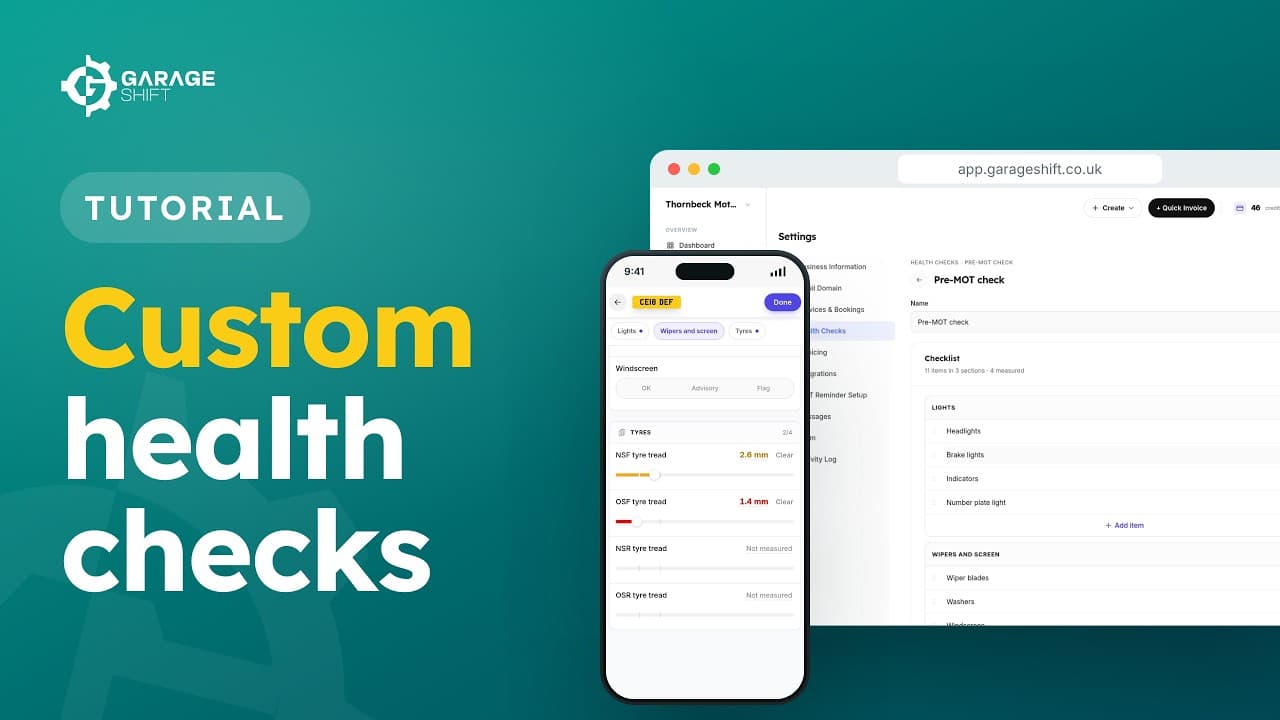 1:54
1:54Custom Health Checks
Build your own health check, give it to a service, and use it on the jobsheet.
Watch the video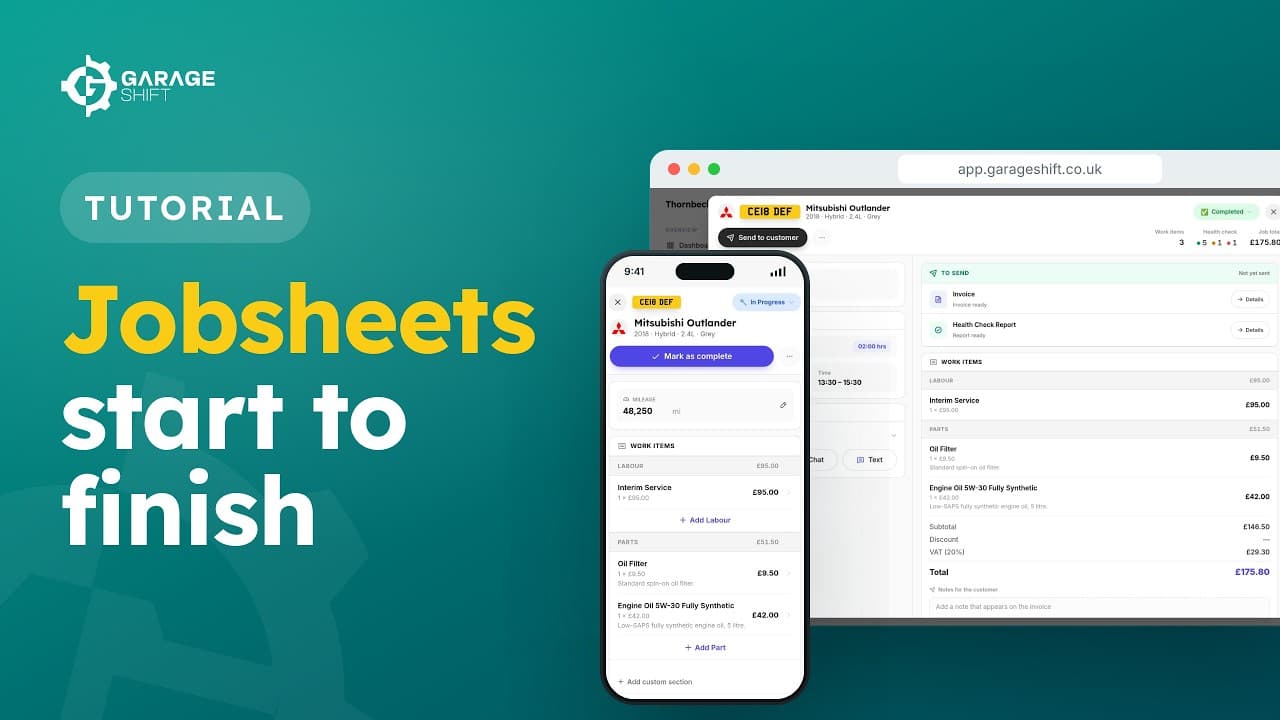 2:00
2:00Jobsheets: From Booking to Completed
Create a jobsheet from an online booking or by hand, and see what you can do at each status.
Watch the video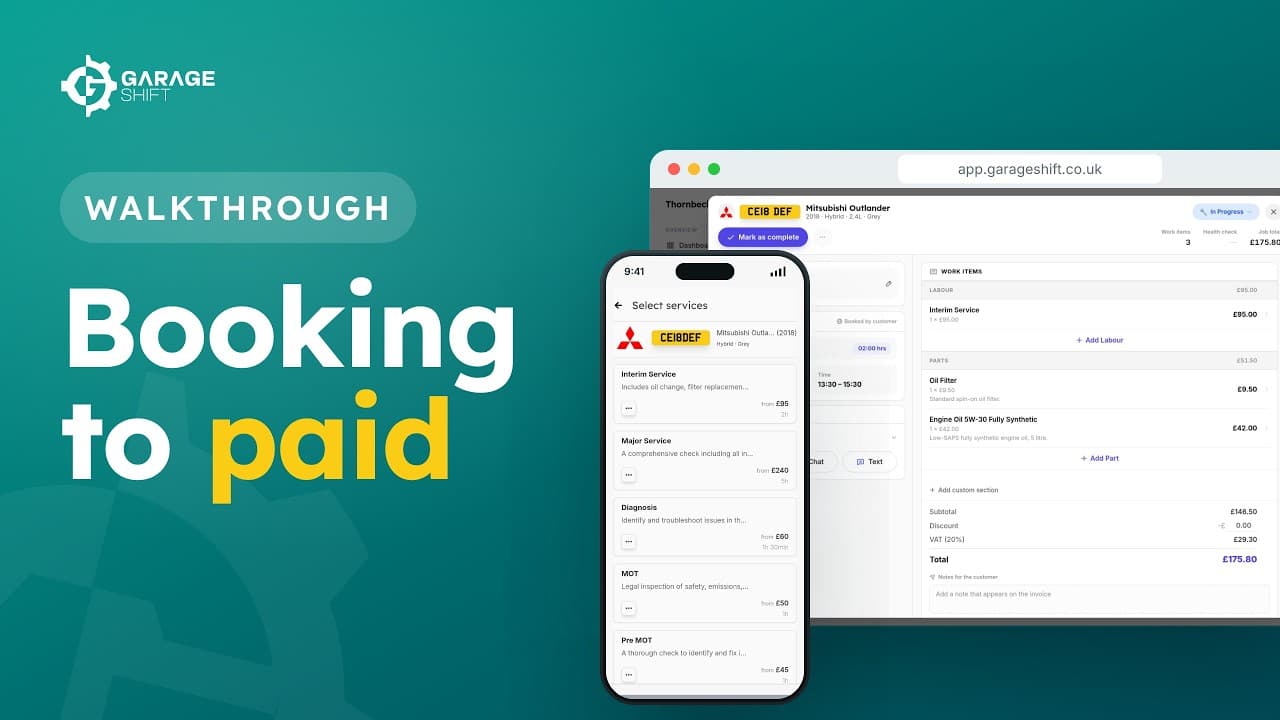 2:05
2:05Booking to Paid: A Full Job Walkthrough
Follow one car from an online booking to a paid invoice, and back again for its next MOT.
Watch the video
See it running before you decide.
A working demo garage with realistic data. No account, no card, no call.
£1 first month, then £50/month or £500/year.