What you'll learn
- Approving an online booking, which arrives as Pending Approval
- Creating a booking yourself and adding the car by reg with the DVSA lookup, by customer, or by hand
- Editing or deleting a Scheduled booking
- Starting the job, then adding labour, parts, mileage, the health check and photos or videos
- Marking it complete so the invoice is created, then sending it by email or WhatsApp
- Reopening a job before its invoice is paid, and finding any jobsheet by status, reg or customer name
Features in this video
Read the transcript
Every job in your workshop has a jobsheet. Let's create one, and see what you can do at each stage.
Every booking is a jobsheet. When a customer books online, it arrives as Pending Approval. Open it from Pending bookings, and approve it.
To add one yourself, choose Create, then Booking. There are three ways to add the car. Type the reg, and the DVSA lookup fills it in, along with the customer if they've been in before.
Or search by customer, and choose one of their cars. And if you'd rather, enter the details by hand.
Add a service, choose a time, and save. You can also start one from an empty slot in the calendar, or from an accepted quote.
Either way, it's now Scheduled, and it's in your diary. You can still change the booking or delete it from this menu.
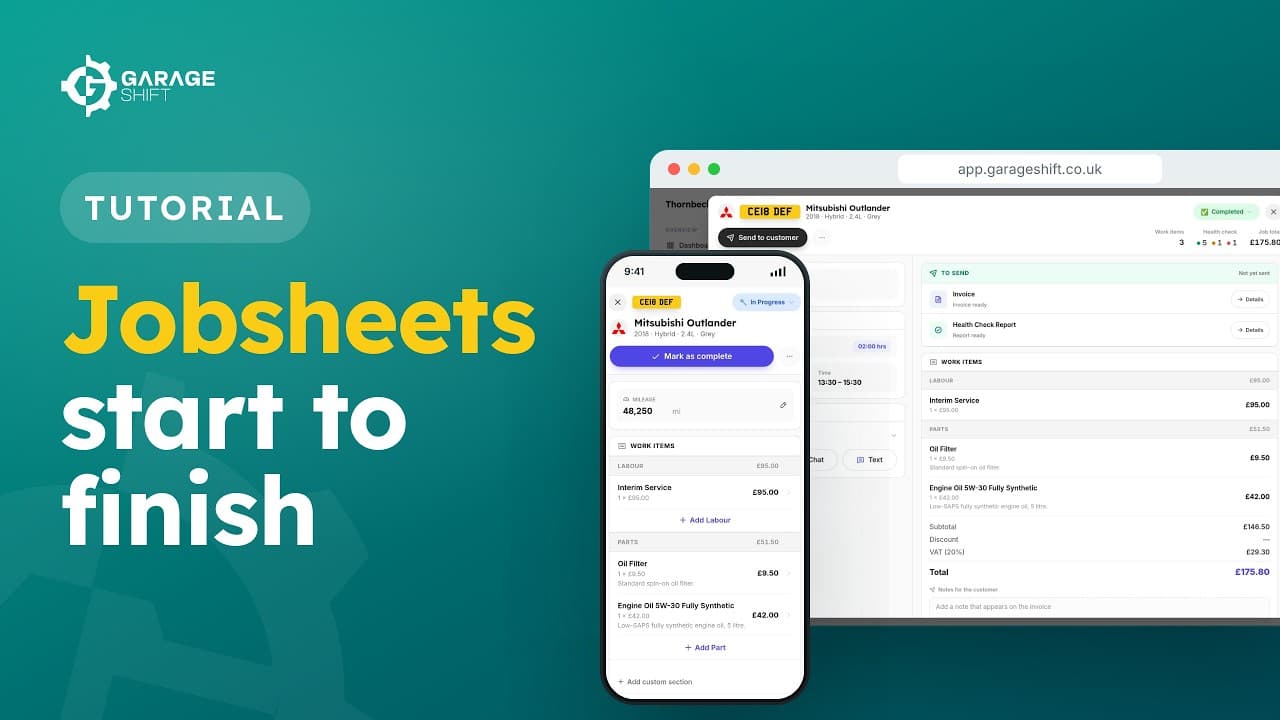
When the car arrives, start the job. It's now In Progress, and the jobsheet opens up. Add labour and parts, record the mileage, do the health check, and add photos or videos. It all saves as you go.
When you're happy, mark it as complete. The invoice is created for you, and the jobsheet is locked. Then send the invoice and the health check report to your customer, by email or WhatsApp.
Need to change something? Reopen it from the status, as long as the invoice hasn't been paid.
You'll find every jobsheet under Jobsheets. Filter by status, or search by reg or customer name.
Already a customer and need a hand? Contact support.